
Is your kebab van listed on KebabVan.co.uk?
If your van already appears in our directory, you can claim the listing and take control of the information shown to customers.
Claiming your van is free and allows you to keep your listing accurate and up to date.
What can I do once I’ve claimed my van?
Once your ownership has been approved, you can log in and manage your van listing.
Depending on the information available for your listing, you can update things such as:
- Van name
- Address and trading location
- Postcode
- Phone number
- Opening hours
- Website
- Facebook and social media links
- Menu information
- Prices
- Photos
Keeping your listing up to date makes it easier for customers to find you and gives them useful information before they visit.
Can customers order online from my van?
Yes. Once your claim has been approved, you can set up online ordering from your owner dashboard. Add your menu and prices, then choose how you want customers to pay.
You can offer pay in person to approved customers. If you connect your own Stripe account and enable card payments, customers can place and pay for orders online without needing your approval first.
When an order comes in, you can review it and accept or reject it. Accepted orders move into In Progress, then you can mark them Completed when they’re ready. Customers can add their phone number and instructions at checkout, giving you the details you need to prepare their order.
Online ordering is optional. You can still claim your van, update its listing and display your menu without taking orders online.
Get seen more often
KebabVan.co.uk gives more visibility to vans that are actively being used by customers.
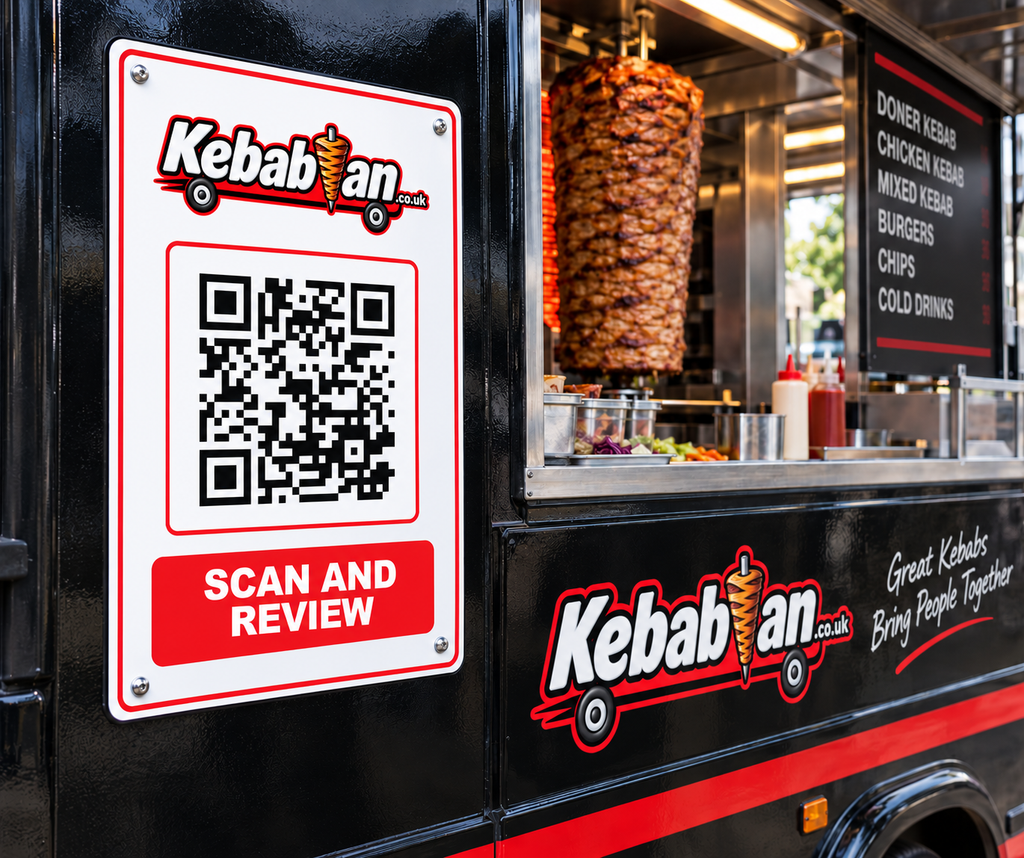
When people check in or leave a review, that activity helps your van appear higher in local town listings. The most recently active vans are shown first, so encouraging genuine customers to check in and review your van can help more people find you.
You can make this easier by displaying your Scan & Review QR sign at the van. Customers can scan it, check in and leave a review in just a few seconds.
Tip: Keep your listing up to date too — if your van hasn’t had a recent check-in, the most recently updated listings are used next.
How do I claim my van?
Find your van on KebabVan.co.uk and open its listing.
Look for the Claim This Van button and complete the short claim form.
We’ll ask for some basic details so we can confirm that you’re connected with the business.
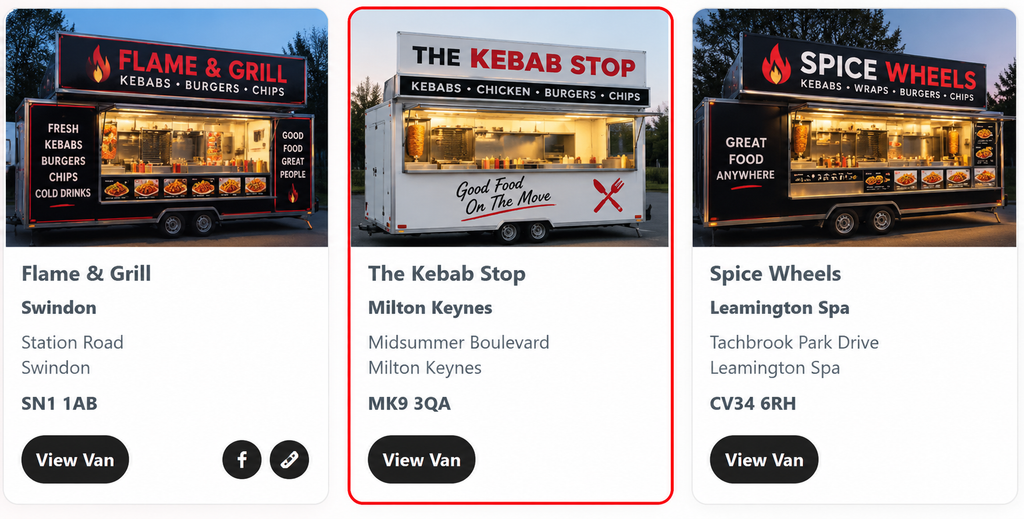
Claims are checked before ownership is approved – once claimed your listing will have a highlighted border.
Do I need an account?
If you already have an account with KebabVan.co.uk, use the same email address when submitting your claim.
If you don’t already have an account, that’s fine.
Once your claim has been approved, your account can be created and linked to the van so you can manage the listing.
How do I log in?
Once your account has been approved, use the Log In Link.
Once logged in, you’ll be able to access and manage the kebab van listings connected to your account.
Forgot your password?
No problem.
Use the Forgot Password option on the login page and follow the instructions to reset it.
Why should I claim my listing?
An accurate listing helps customers know:
where you are, when you’re open and what you serve.
It also gives you the opportunity to add better information than we may currently hold, including photos, menus, prices, contact details and links to your own website or social media pages.
The more complete your listing is, the more useful it is to potential customers.
Can I add photos?
Yes.
Once your van is linked to your account, you can add photos to your listing.
Good photos can make a big difference. We recommend including:
- A clear photo of your van
- Your serving hatch
- Your menu
- Your food
- Anything that helps customers recognise the van when they arrive
What about my Food Hygiene Rating?
Where available, KebabVan.co.uk displays official Food Hygiene Rating information separately from customer ratings and reviews.
Food hygiene information should reflect the official rating for your business.
If you believe the information shown is incorrect, please let us know so it can be checked.
My van is listed, but some information is wrong
You don’t have to claim the van just to tell us something is incorrect.
Use the Suggest an Update option on the van listing and send us the correct information.
We’ll review the suggestion before changing the listing.
My van isn’t listed
If you operate a kebab van and can’t find it in the directory, you can submit it to KebabVan.co.uk.
Once added, you’ll be able to go through the ownership process and manage the listing yourself.
Can someone else manage my listing?
The person claiming the van should normally be the owner or someone authorised to manage the business online.
This helps us protect listings from unauthorised changes.
Is it free?
Yes.
Claiming your kebab van listing and keeping your basic business information up to date is free.
Our aim is to make KebabVan.co.uk the most useful directory of kebab vans in Britain while giving independent van owners a simple way to manage their own information.
Need help?
If you’re having trouble claiming your van, logging in or updating your listing, get in touch and let us know:
- The name of your kebab van
- The town or trading location
- The email address you used for your account
We’ll do our best to point you in the right direction.
Own a Kebab Van?
Find your listing, claim it and make it yours.
Keep your information accurate, add photos and menus, and help customers find your van.